 GPlayer
Manage large video libraries
Organize videos and photos with folders and playlists. Search, filter, sort and select media in batches; add a video to multiple playlists without duplicating the file.
Open guide ↗Manage large video libraries on iPhone and iPad. Browse privately with app access protection, batch download Grok videos and images, and back up your collection.
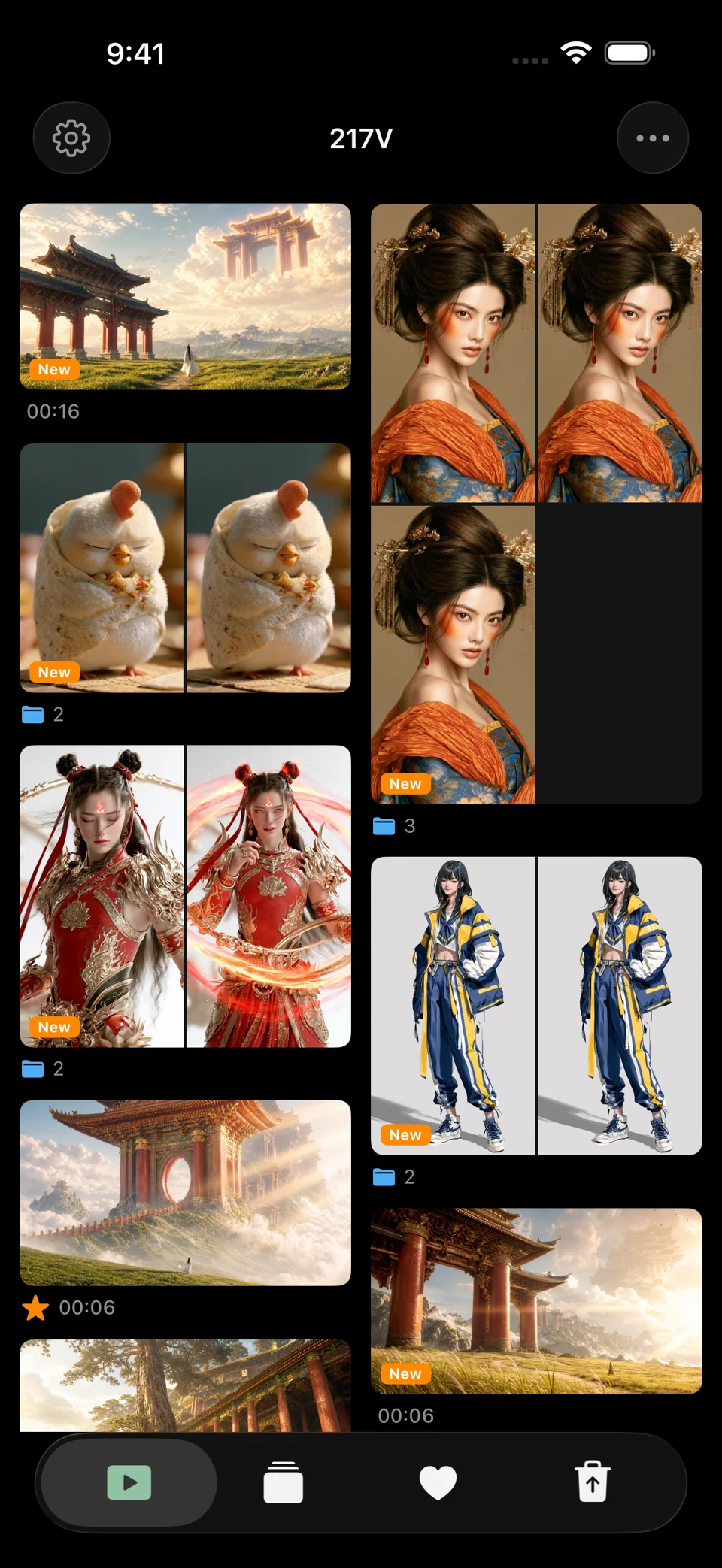
Organize videos and photos with folders and playlists. Search, filter, sort and select media in batches; add a video to multiple playlists without duplicating the file.
Open guide ↗Protect access with an unlock code, a calculator entry screen and a separate restricted-access code. Control which media and features are visible. App access protection does not encrypt media files.
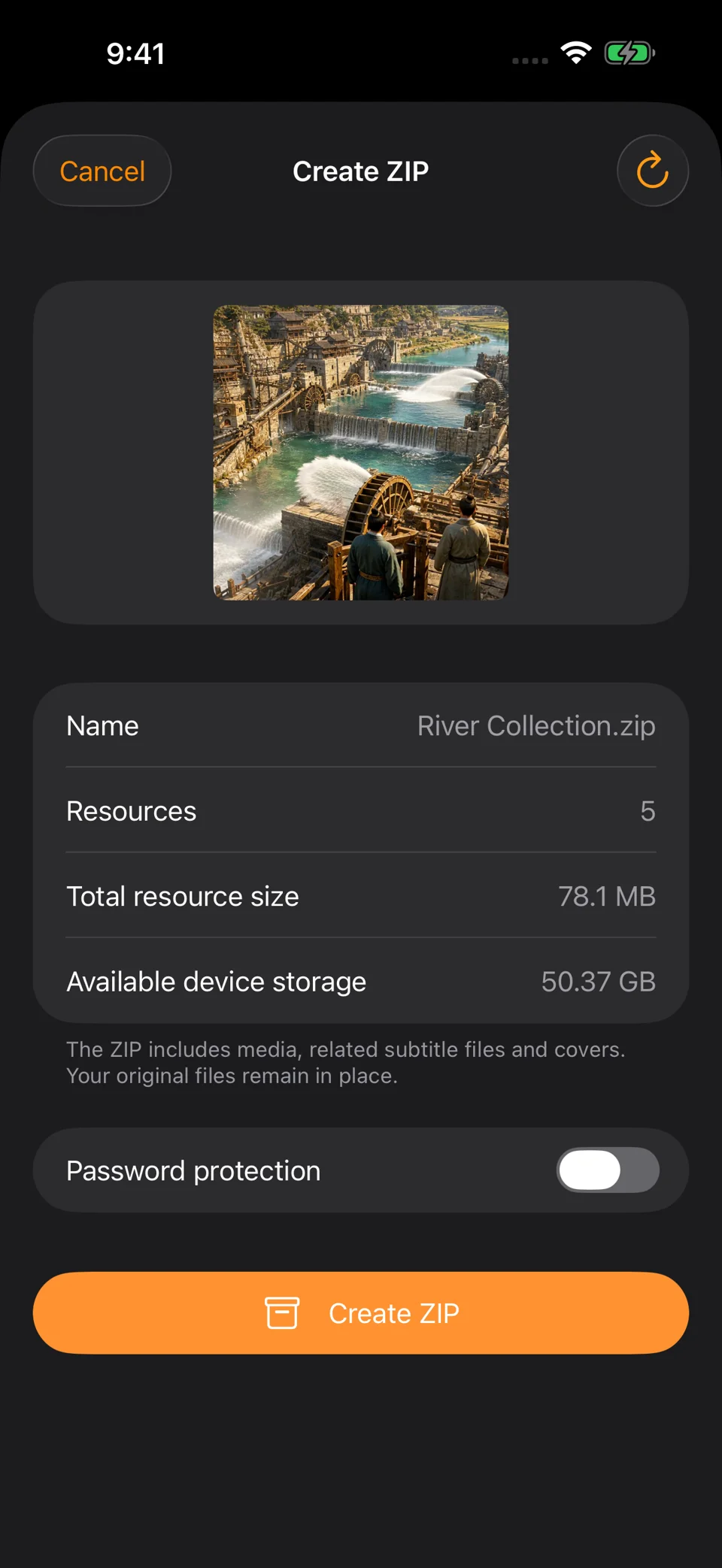
Open guide ↗Download your own Grok Imagine videos and images in batches, filter by page or creation date, and keep prompts when available. Export selected media as ZIP or use library backup to keep a second copy.
Open guide ↗GPLAYER / VIDEO
Watch the app previews. Tap a video to play it here.
GPLAYER
From the first swipe to your final edit, a toolkit that keeps your collection in your hands.
0101 / Browse your media
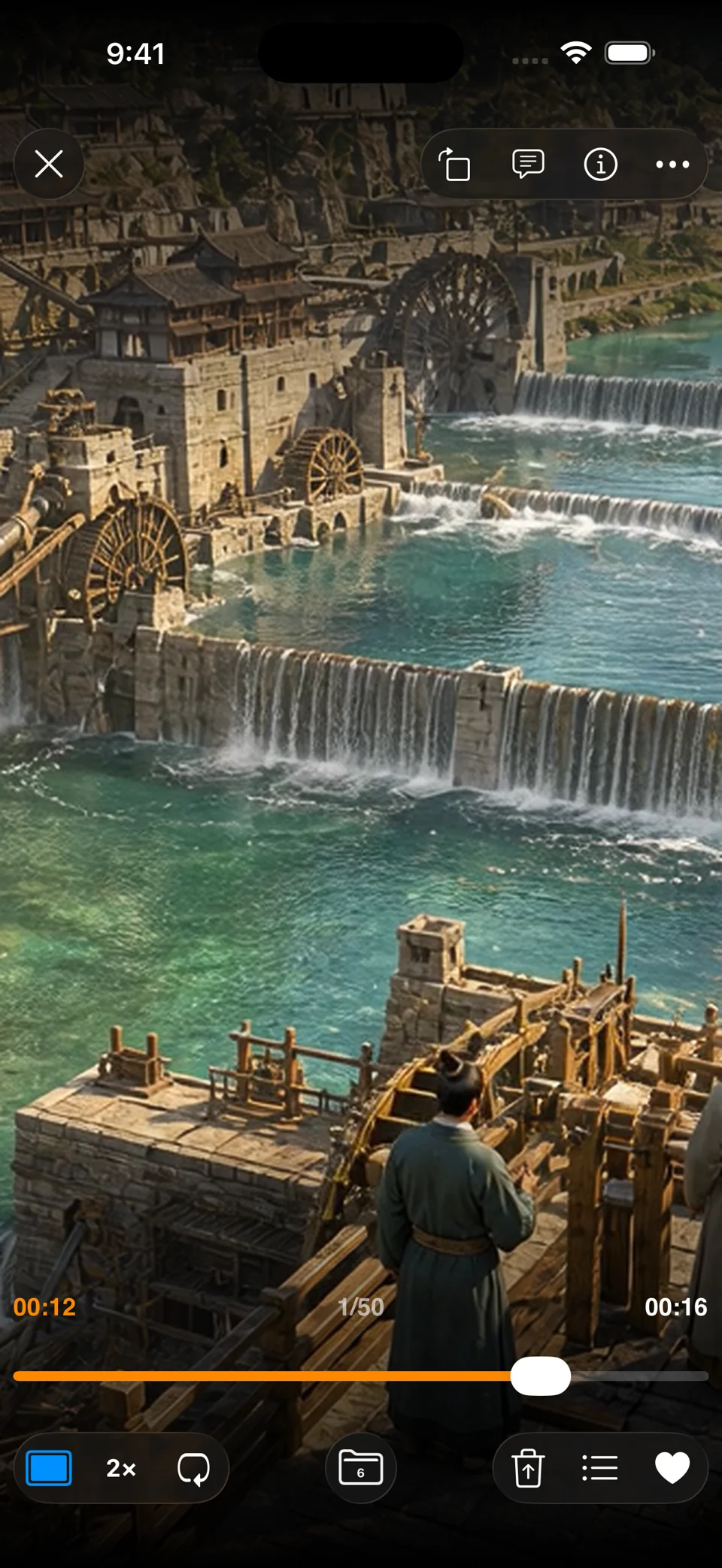
Use gestures on the video picture while playing.
 02
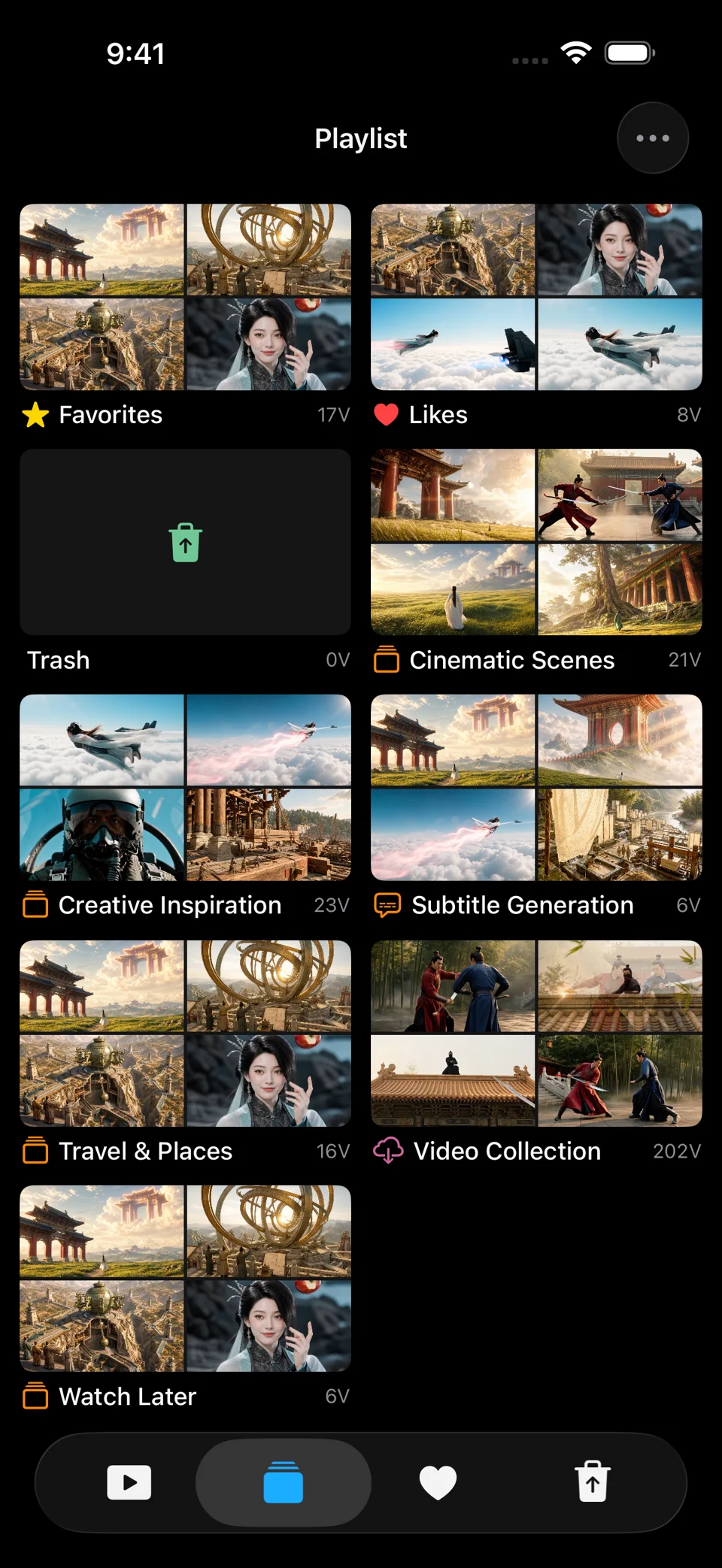
0202 / Organize your collection
Search by name, filter and sort to narrow down a large collection.
 03
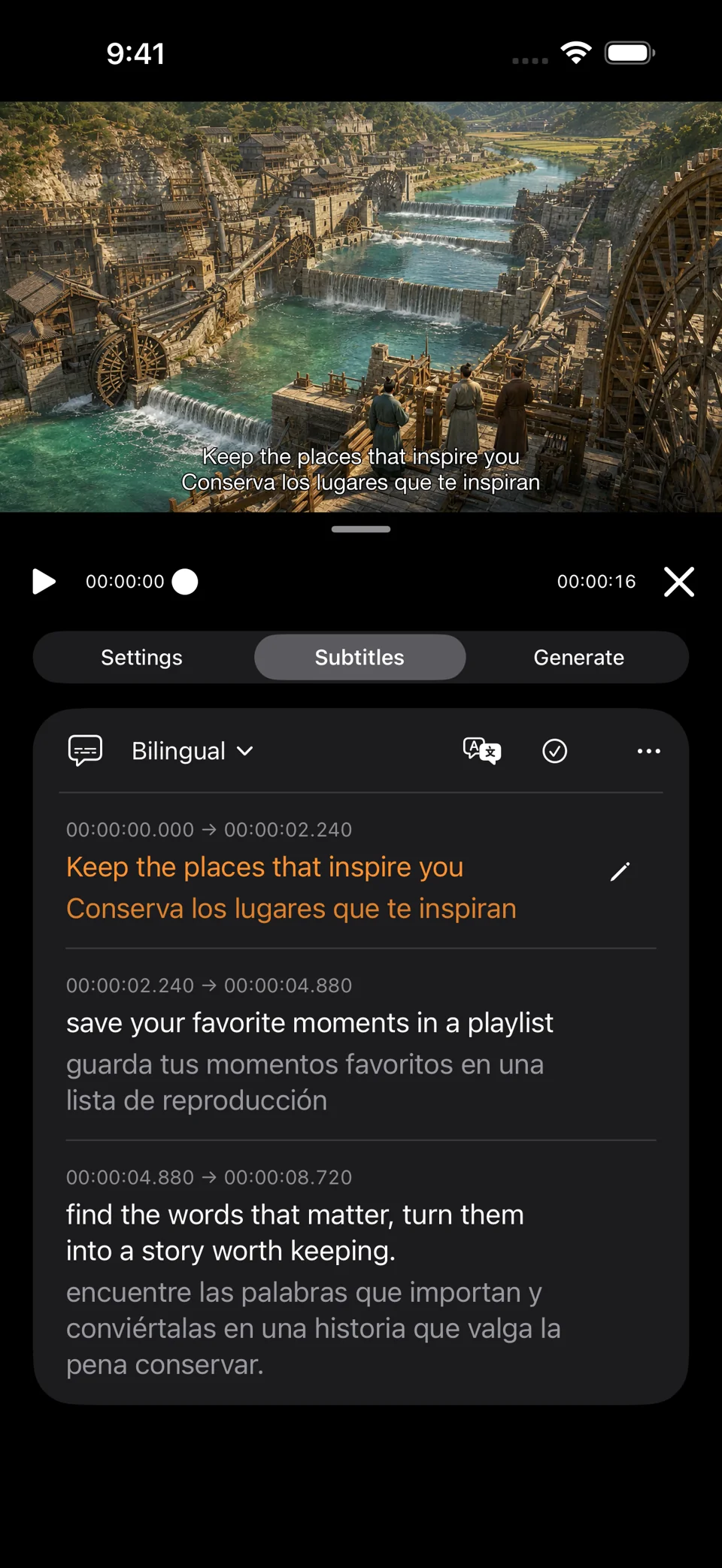
0303 / Subtitles & translation
Subtitle generation uses automatic speech recognition (ASR), also called speech-to-text (STT).
 04
0404 / Edit & create
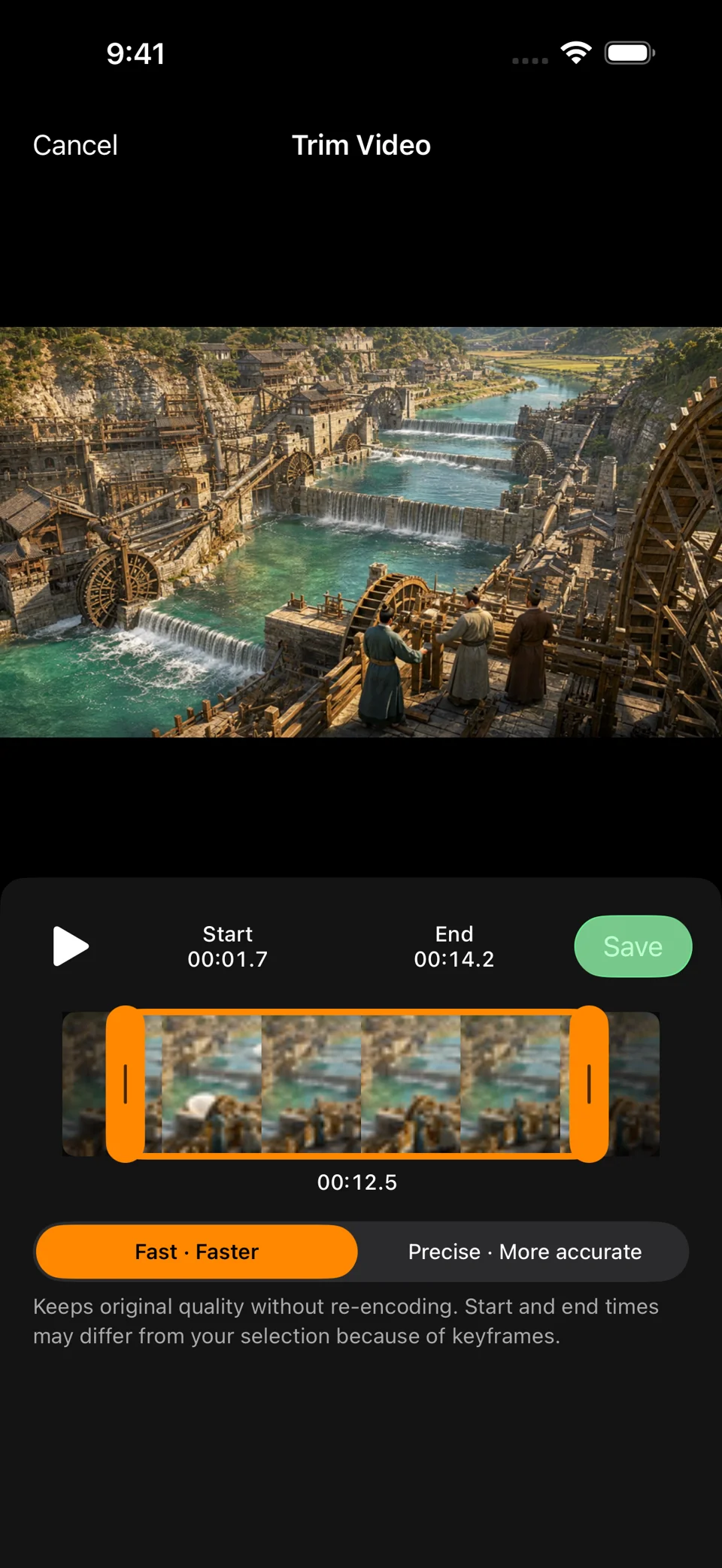
Use Quick Trim for trimming and reframing, or Motion Cut to record camera movement.
 05
0505 / Import & protect
Selected videos are copied to ImportedVideos/YYYY-MM-DD.
GROK IMAGINE / GPLAYER
Bring your Grok Imagine videos and images into GPlayer. Download in batches, keep prompts when available, and build a collection you can return to.
Grok Personal Batch Video Download ↗User guide
Clear steps, real features. Explore the complete GPlayer manual.
Open guide ↗

